Compliance
Guardrails your agent can't bypass
20+ policy rules run on every send before it leaves. Deduplication, cooldowns, suppressions, rate limits, risk budgets, canary tokens. Your agent doesn't need to know about any of them.
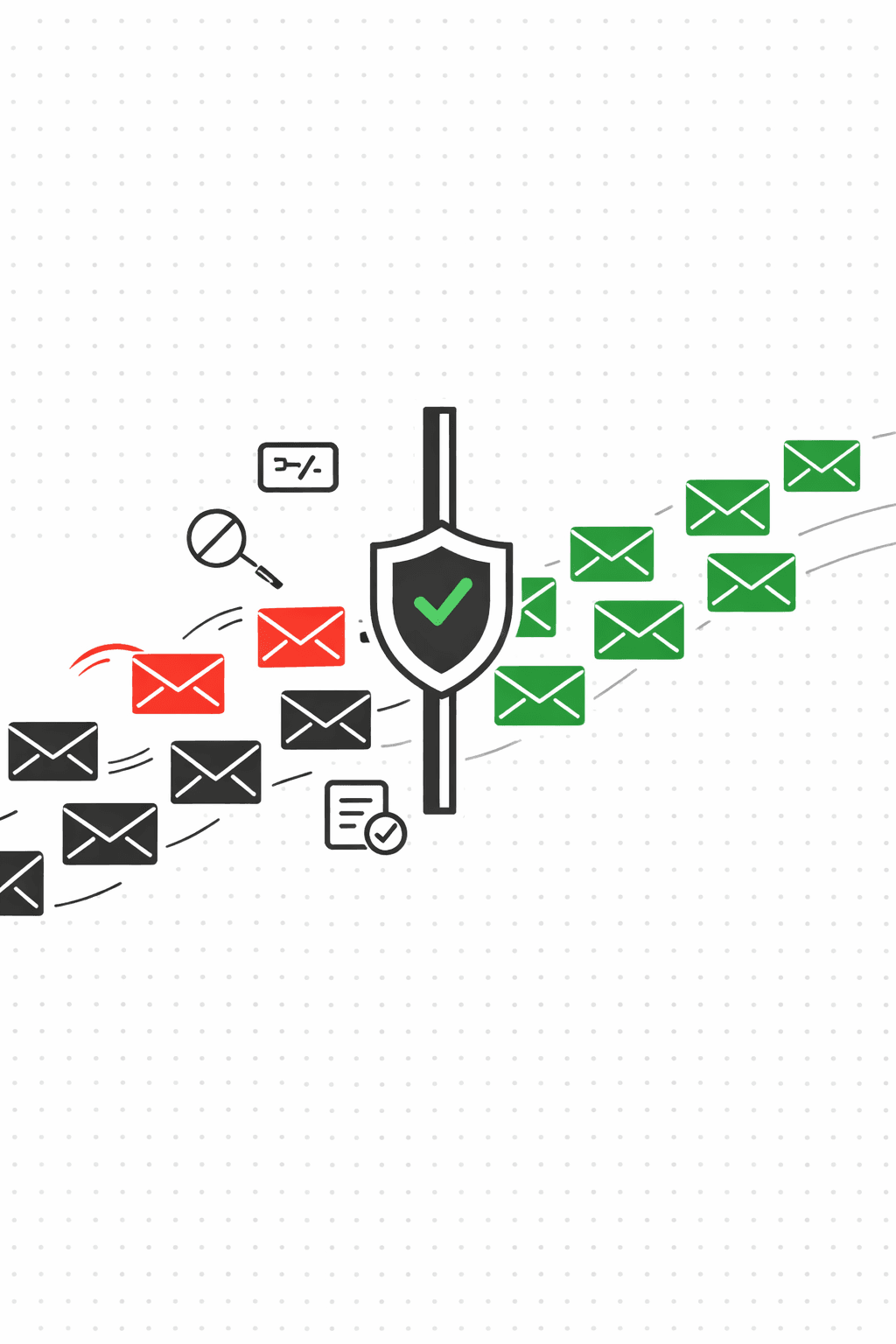
The send path, step by step
Agent requests a send
Your agent calls POST /v1/agent/request-send with a recipient, template, and dedupe key. The request hits the policy engine before anything goes out.
20+ rules, checked in order
Includes tenant pause, template approval, suppression list, global DNC, active opportunity, duplicate, cooldown, hourly rate limit, daily budget, monthly budget, risk score, negative signals, and more. If any rule fails, the send is blocked.
Every decision gets a trace
Full policy trace: which rules passed, which blocked, and why. Blocked sends return status "blocked" with the specific reason code. No guessing.
Canary tokens catch leakage
Outbound content is scanned for leaked canary tokens. If an attacker tricks your agent into echoing a token in a reply, the send is blocked before delivery.
All of this is configurable
Quarantine high-risk injections, hold emails with thread anomalies, block canary violations. Apply settings at the tenant level or per-mailbox.
Configure safety settings
PUT /v1/me/safety-settings
GET /v1/me/safety-settings

PUT /v1/me/safety-settings
{
  "quarantineHighInjection": true,
  "holdCriticalAnomalies": true,
  "blockCanaryViolations": true
}
The rules
Duplicate prevention
Same dedupeKey? Rejected. A contact never gets the same email twice, even if your agent asks nicely.
Cooldown windows
Same template to the same recipient within 10 minutes is blocked. Prevents rapid-fire retries from misbehaving agents.
Suppression lists
Global, tenant, or campaign-scoped. Bounces and complaints auto-suppress. You can also add contacts manually.
Rate limiting
Hourly, daily, and monthly quotas enforced per plan. Hit a limit, the send is blocked. Simple.
Risk budgets
A daily budget for risk scores and negative signals (bounces + complaints). When the budget is spent, sends stop. Your domain reputation stays intact.
Canary tokens
Deterministic tokens embedded in agent context. If one leaks into outbound content, the send is blocked before it ever leaves.
See exactly why a send was blocked
Every decision includes a policy trace: which rules passed, which blocked, and the specific reason. When something gets rejected, you can point to the exact rule.
// Policy trace from a blocked send
{
  "status": "blocked",
  "reason": "cooldown",
  "policyTrace": {
    "decision": { "allow": false, "reason": "cooldown" },
    "rules": [
      { "rule": "tenant_paused", "pass": true },
      { "rule": "suppression", "pass": true },
      { "rule": "duplicate", "pass": true },
      { "rule": "cooldown", "pass": false }
    ]
  }
}
Your agent sends. Policy handles the rest.
Deduplication, rate limiting, suppression, risk budgets, canary tokens. All enforced before the email leaves. Your agent never needs to think about compliance.