Customer Success
Your customer success agent saved an account
while you were in a meeting.
A CS agent watches usage signals, spots churn risk early, and sends check-ins on its own. Molted makes sure it does that responsibly: policy enforcement, send limits, and consent checks happen before any email leaves the mailbox.
The problem
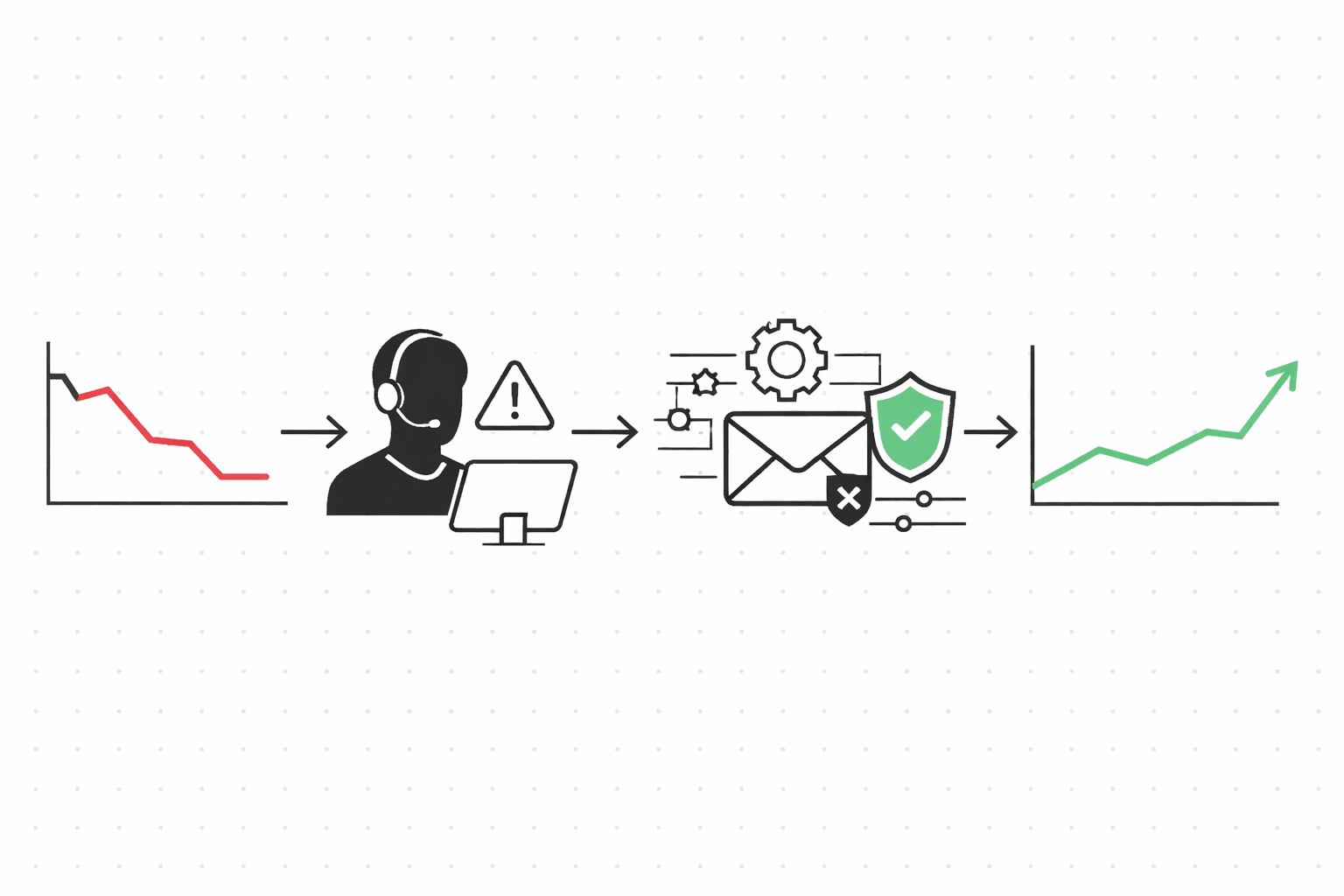
You already have the data. Usage dropped 60% two weeks ago. Logins stopped five days ago. But by the time a human on your CS team actually notices, the customer has already decided to leave. The signal was there. Nobody acted on it fast enough.
And even when someone does catch it, the math doesn't work. Your team is managing hundreds of accounts. The ten highest-risk ones need a check-in today, but the team is still behind on renewals from last week. So the check-in doesn't happen.
The obvious answer is to automate it. Let an agent send the email. But if you point an agent at a raw send API, nothing stops it from emailing the same customer three times in one week, or reaching out to someone who already asked to be left alone. You've traded one problem (too slow) for another (no guardrails).
A complete churn-save workflow
Every command below outputs JSON to stdout. Pipe it into your agent's decision loop, or run the whole thing as a bash script (there's a copy-paste version at the bottom of this page).
Define what "at risk" means
Start by creating a segment. What does churn risk look like for your product? Maybe it's a usage drop plus a login gap. Maybe feature abandonment matters more. Whatever your signals are, encode them as segment rules. Molted recomputes membership automatically, so this stays current without you polling.
molted segments create \
  --name "Churn Risk - Usage Drop" \
  --filters '{
    "rules": [
      { "field": "usage_change_7d", "op": "lt", "value": -50 },
      { "field": "last_login_days", "op": "gt", "value": 5 },
      { "field": "plan", "op": "ne", "value": "free" }
    ]
}'Check fatigue, then simulate
Two checks before you send anything. First, ask whether the contact is fatigued (this looks at every email you've sent across all agents and templates, not just this one). If they're safe to email, dry-run the message through all 20+ policy rules. You'll see exactly which rules passed and whether anything would block it.
molted analytics fatigue --contact alice@bigcorp.com
# → { "recommendation": "safe_to_send", "recentSends": 1,
#     "windows": { "24h": 1, "7d": 2, "30d": 4 } }

molted send simulate \
  --to alice@bigcorp.com \
  --template churn-checkin \
  --mailbox cs-agent
# → { "status": "allowed", "rulesEvaluated": 22,
# "passed": 22, "blocked": 0 }Send the check-in
This is the part that actually matters. The dedupe key (churn-alice-bigcorp-2026-w11) guarantees exactly-once delivery. If your agent crashes and retries, or if a network timeout causes a double call, the same key prevents a duplicate. Use a deterministic pattern like {workflow}-{contact}-{week} so retries are always safe.
molted send \
  --to alice@bigcorp.com \
  --template churn-checkin \
  --dedupe-key "churn-alice-bigcorp-2026-w11" \
  --mailbox cs-agent \
  --reason "usage dropped 62% in 7 days" \
  --payload '{
    "name": "Alice",
    "company": "BigCorp",
    "usage_drop": "62%",
    "last_active": "5 days ago"
  }'
# → { "status": "sent", "requestId": "req_abc123" }Schedule a follow-up
If Alice doesn't reply in 72 hours, send a follow-up. The --cancel-on-reply flag is the key detail here: if she responds before the timer fires, the follow-up never sends.
molted threads followup req_abc123 \
  --contact-email alice@bigcorp.com \
  --delay-hours 72 \
  --cancel-on-reply
Handle the reply
Alice replies: "We've been having performance issues, can we chat?" Your agent classifies her intent, checks the recommended next action, and responds. This whole loop takes three CLI calls and can happen in under two minutes. If the intent had been "we're evaluating alternatives," you'd escalate to a human instead of auto-responding.
molted classify \
  --subject "Re: Checking in" \
  --body "We've been having performance issues, can we chat?"
# → { "intent": "meeting_request", "confidence": 0.93 }

molted next-action --contact alice@bigcorp.com
# → { "action": "reply", "reason": "high-value account,
#     meeting requested, respond within SLA" }

molted threads reply thr_xyz \
  --body "Absolutely, here's a link to grab 30 minutes
this week: https://cal.com/yourteam/cs-checkin"Record the save
Alice renews. Record it. Molted attributes the retention event back to the check-in that started the conversation, so you can actually measure whether your CS agent is working.
molted outcomes ingest \
  --contact alice@bigcorp.com \
  --event-type retention \
  --event-name "Account Saved" \
  --revenue 18000 \
  --metadata '{ "risk_level": "high", "days_to_save": 4 }'
What policy enforces
The two policies you'll feel the most are fatigue checks and deduplication. Fatigue prevents over-contacting: if a customer has received 3+ emails in the last 7 days across any of your agents, the send gets blocked. Dedup uses your dedupe key to guarantee one check-in per customer per week, even if the agent retries due to a crash or timeout. Between these two, most "agent gone rogue" scenarios are already covered.
Beyond that, suppression lists make sure you never contact someone who unsubscribed, bounced, or filed a complaint. Consent validation checks GDPR/CCPA status before every send to EU or California contacts. And risk budgets are the safety net underneath everything else: if your mailbox accumulates too many bounces or complaints in a window, sending pauses automatically to protect your domain reputation. You don't configure this per-send. It just runs.
Measuring whether it works
When a customer renews after a check-in, Molted traces the retention event back to the specific email that started the conversation. You get accounts saved, revenue retained (with last-touch, first-touch, linear, or time-decay attribution), and response rates. The metric most CS teams fixate on is time to save: how many days between the first check-in and the retention event. A good CS agent closes that gap fast.
The complete script
Copy this, swap in your template and segment filters, and you have a working CS agent. The fatigue and simulate checks mean it's safe to run on a cron without worrying about over-sending.
#!/usr/bin/env bash
# cs-agent.sh — Churn-save workflow for a customer success agent

set -euo pipefail

CONTACT="alice@bigcorp.com"
TEMPLATE="churn-checkin"
MAILBOX="cs-agent"
WEEK=$(date +%Y-w%V)

# 1. Check fatigue
FATIGUE=$(molted analytics fatigue --contact "$CONTACT")
REC=$(echo "$FATIGUE" | jq -r '.recommendation')
if [ "$REC" = "stop_sending" ]; then
  echo "Fatigue limit reached — skipping" >&2
  exit 0
fi

# 2. Simulate the send
SIM=$(molted send simulate \
  --to "$CONTACT" \
  --template "$TEMPLATE" \
  --mailbox "$MAILBOX")
STATUS=$(echo "$SIM" | jq -r '.status')
if [ "$STATUS" != "allowed" ]; then
  echo "Policy blocked: $(echo "$SIM" | jq -r '.reason')" >&2
  exit 0
fi

# 3. Send the check-in
RESULT=$(molted send \
  --to "$CONTACT" \
  --template "$TEMPLATE" \
  --dedupe-key "churn-$CONTACT-$WEEK" \
  --mailbox "$MAILBOX" \
  --reason "usage dropped 62% in 7 days" \
  --payload '{
    "name": "Alice",
    "company": "BigCorp",
    "usage_drop": "62%",
    "last_active": "5 days ago"
  }')
REQ_ID=$(echo "$RESULT" | jq -r '.requestId')

# 4. Schedule follow-up (cancels if they reply)
molted threads followup "$REQ_ID" \
  --contact-email "$CONTACT" \
  --delay-hours 72 \
  --cancel-on-reply

echo "Check-in sent: $REQ_ID"
Try it
Sign up, create a mailbox, send a policy-checked email. Takes about five minutes.
$ npx @molted/cli auth signupRelated use cases