Marketing
Your marketing agent converted a trial
before the drip campaign fired.
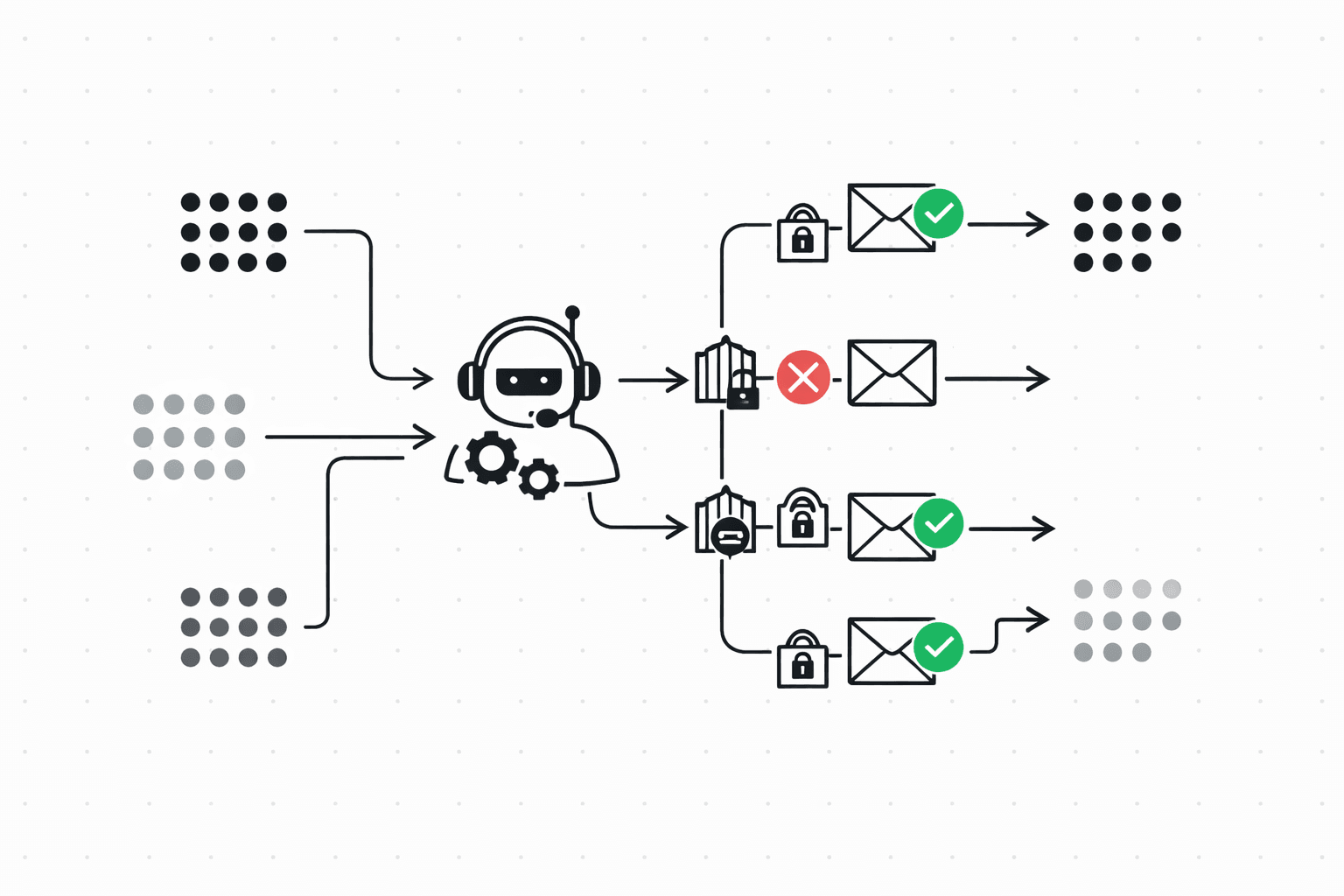
A trial user signs up, creates a mailbox, then disappears. A marketing agent notices, sends a nudge that actually references what the user did (and didn't do), and backs off if they're already being contacted by another agent. Policy runs before every send. The agent proposes; Molted decides whether it goes out.
The problem
Traditional marketing automation is calendar-based. Day 1: welcome email. Day 3: feature highlight. Day 7: trial expiring. The user activated on day 1? Doesn't matter. Churned on day 2? The sequence doesn't know.
Agents can do better because they can actually watch what happened and respond to it. But pointing an agent at a raw send API without a policy layer is how you end up emailing a trial user four times in two days. The onboarding agent sends a welcome. The activation agent sends a setup guide. The lifecycle agent sends a "we noticed you haven't logged in." Each one made a reasonable decision independently. Together, they're spam. And nobody coordinated because there's no coordination layer.
Then someone converts, and you can't tell which email did it.
A complete onboarding workflow
Every command below outputs JSON to stdout. Pipe it into your agent's decision loop, or run the whole thing as a bash script (there's a copy-paste version at the bottom of this page).
Create a segment for stalled trials
Trial users who created a mailbox but never sent their first email. They got through setup, then stopped. The segment recomputes automatically, so new users who stall will enter the journey on their own. No polling required on your end.
molted segments create \
  --name "Trial Stalled at Setup" \
  --filters '{
    "rules": [
      { "field": "plan", "op": "eq", "value": "trial" },
      { "field": "mailboxes_created", "op": "gte", "value": 1 },
      { "field": "emails_sent", "op": "eq", "value": 0 },
      { "field": "signup_days_ago", "op": "gte", "value": 2 }
    ]
}'Create an event-driven journey
This journey fires when a user matches the stalled segment. You add steps next.
molted journeys create \
  --name "Trial Onboarding - Stalled Users" \
  --trigger-event "segment:trial-stalled-at-setup" \
  --mailbox marketing-agent
Add journey steps
A journey is a sequence of steps. send delivers an email, delay waits, branch checks a condition, end terminates. The interesting part below is the branch at position 3: after waiting 48 hours, it checks whether the user actually sent their first email. If they did, the journey ends quietly instead of sending a nudge they no longer need.
# Step 1: Send the nudge
molted journeys add-step jrn_abc123 \
  --type send \
  --template trial-stalled-nudge \
  --position 1

# Step 2: Wait 48 hours
molted journeys add-step jrn_abc123 \
  --type delay \
  --delay-hours 48 \
  --position 2

# Step 3: Did they activate?
molted journeys add-step jrn_abc123 \
  --type branch \
  --condition '{ "field": "emails_sent", "op": "gte", "value": 1 }' \
  --on-true end \
  --on-false 4 \
  --position 3

# Step 4: Second nudge (only if still stalled)
molted journeys add-step jrn_abc123 \
  --type send \
  --template trial-second-nudge \
  --position 4

# Step 5: End
molted journeys add-step jrn_abc123 \
  --type end \
--position 5A/B test the welcome email
Two variants of the same template. Molted splits traffic automatically, but here's the part that matters: it tracks which variant drives more activations and conversions, not just opens. Open rates tell you about subject lines. Outcome attribution tells you about revenue.
molted templates create \
  --name trial-stalled-nudge \
  --subject "You created a mailbox — here's the next step" \
  --body "Hey {{name}}, you set up {{mailbox_name}} but haven't sent yet.
Here's a 2-minute quickstart: {{quickstart_url}}" \
  --auto-publish

molted templates create \
  --name trial-stalled-nudge \
  --subject "Your mailbox is ready. Send your first email." \
  --body "Hey {{name}}, {{mailbox_name}} is live and waiting.
One API call and you're sending: {{quickstart_url}}" \
  --variant-of trial-stalled-nudge \
--split 50Fire the trigger event
Before the journey sends anything, run a fatigue check and a policy simulation. The fatigue check looks across all agents, not just this one. If the CS agent already emailed Maria yesterday, the marketing nudge gets held until the cooldown window clears. The simulate call shows you exactly which of the 20+ policy rules passed and whether anything would block.
# Check fatigue first
molted analytics fatigue --contact maria@startup.io
# → { "recommendation": "safe_to_send", "recentSends": 0,
#     "windows": { "24h": 0, "7d": 1, "30d": 1 } }

# Dry-run the policy check
molted send simulate \
  --to maria@startup.io \
  --template trial-stalled-nudge \
  --mailbox marketing-agent
# → { "status": "allowed", "rulesEvaluated": 22,
#     "passed": 22, "blocked": 0 }

# Trigger the journey
molted journeys trigger jrn_abc123 \
  --contact maria@startup.io \
  --payload '{
    "name": "Maria",
    "mailbox_name": "my-app",
    "quickstart_url": "https://docs.moltedemail.com/quickstart"
}'Record the conversion
Maria sends her first email, then upgrades to paid three days later. Record both outcomes. Molted traces them back to the journey step that started the conversation, so you know which nudge (and which A/B variant) drove the conversion.
molted outcomes ingest \
  --contact maria@startup.io \
  --event-type activation \
  --event-name "First Email Sent" \
  --metadata '{ "mailbox": "my-app", "days_since_signup": 3 }'

molted outcomes ingest \
  --contact maria@startup.io \
  --event-type conversion \
  --event-name "Trial to Paid" \
  --revenue 49 \
  --metadata '{ "plan": "starter", "days_since_signup": 6 }'

# See what worked
molted outcomes journey-impact jrn_abc123
# → { "conversions": 24, "revenue": 1176,
#     "attribution": "last-touch",
#     "topVariant": "trial-stalled-nudge:B" }
What policy enforces
Marketing agents are the most likely to over-send. Three campaigns targeting overlapping segments, two teams triggering journeys independently, and suddenly one user gets five emails in a day from the same company. This is the failure mode policy exists to prevent.
The two you'll feel most are cooldown windows and dedup. Cooldowns enforce minimum gaps between emails to the same contact across every agent and journey you run. If the CS agent sent a check-in yesterday, your marketing nudge gets held. Dedup uses journey-scoped keys so a user can only enter a journey once, even if the trigger fires three times because a segment recomputed.
Consent and fatigue run underneath. GDPR, CAN-SPAM, and CCPA rules are evaluated automatically based on contact location. Fatigue caps the total emails a contact receives in rolling 24h, 7-day, and 30-day windows. Go over the limit and the email gets queued for the next available window, not dropped. You don't lose the send. It just waits.
Measuring whether it works
Open rates are a vanity metric for onboarding. What you actually want to know: did Maria send her first email? Did she upgrade? When a trial user activates or converts, Molted traces that outcome back to the journey step and template variant that preceded it. You see trial-to-paid conversion rate, time to activation, revenue per journey. Variant B drove 23% more upgrades than Variant A? Now you know what to keep.
The complete script
Copy this, swap in your templates and segment filters, and you have a working marketing agent. The fatigue and simulate checks mean it's safe to run on a cron without worrying about over-sending.
#!/usr/bin/env bash
# marketing-agent.sh — Trial onboarding workflow for a marketing agent

set -euo pipefail

CONTACT="maria@startup.io"
JOURNEY="jrn_abc123"
MAILBOX="marketing-agent"
TEMPLATE="trial-stalled-nudge"

# 1. Check fatigue
FATIGUE=$(molted analytics fatigue --contact "$CONTACT")
REC=$(echo "$FATIGUE" | jq -r '.recommendation')
if [ "$REC" = "stop_sending" ]; then
  echo "Fatigue limit reached — skipping" >&2
  exit 0
fi

# 2. Simulate the send
SIM=$(molted send simulate \
  --to "$CONTACT" \
  --template "$TEMPLATE" \
  --mailbox "$MAILBOX")
STATUS=$(echo "$SIM" | jq -r '.status')
if [ "$STATUS" != "allowed" ]; then
  echo "Policy blocked: $(echo "$SIM" | jq -r '.reason')" >&2
  exit 0
fi

# 3. Trigger the journey
molted journeys trigger "$JOURNEY" \
  --contact "$CONTACT" \
  --payload '{
    "name": "Maria",
    "mailbox_name": "my-app",
    "quickstart_url": "https://docs.moltedemail.com/quickstart"
  }'

# 4. Record activation when it happens
molted outcomes ingest \
  --contact "$CONTACT" \
  --event-type activation \
  --event-name "First Email Sent" \
  --metadata '{ "mailbox": "my-app" }'

# 5. Check journey impact
molted outcomes journey-impact "$JOURNEY"

echo "Journey triggered for $CONTACT"
Try it
Sign up, create a mailbox, send a policy-checked email. Takes about five minutes.
$ npx @molted/cli auth signup