Sales
Your sales agent booked a meeting
while you were in one.
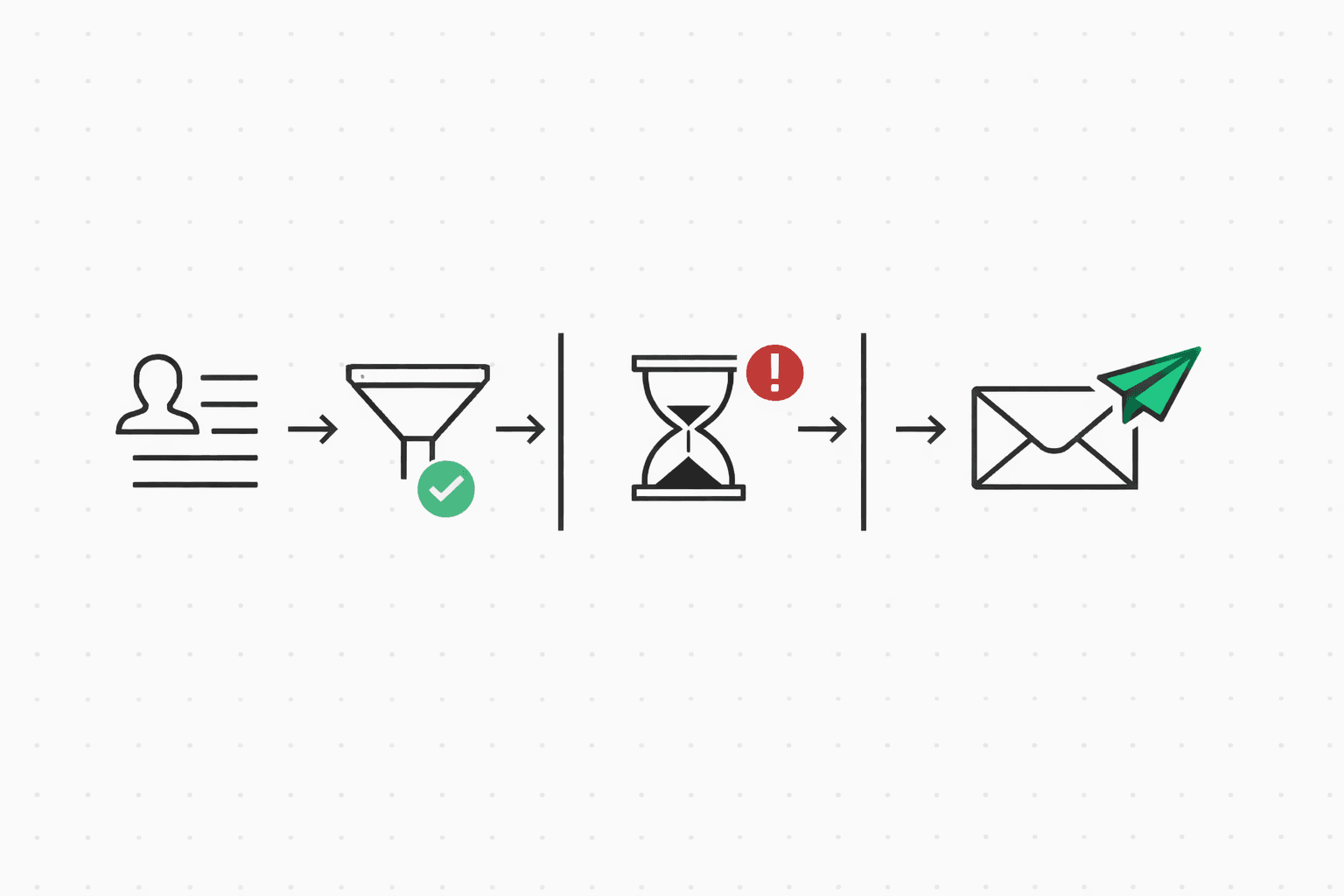
Jake at Stackline matches your target segment: DevTools, Series A, no prior contact. Your sales agent proposes a cold email, policy-checks it, sends with a dedupe key so retries are safe, and schedules a follow-up that auto-cancels if Jake replies. He does. The agent classifies his intent, books the meeting, and records the outcome before you finish your current call.
The problem
Outbound prospecting is a numbers game with a reputation problem. Your reps can research ten accounts a day, maybe twenty if they skip lunch. The pipeline needs two hundred. So you automate. And the moment an agent gets raw API access, it starts emailing like the quota depends on it — because it does. No cooldown windows. No suppression checks. The same prospect gets the same sequence twice because nothing deduplicated across retries.
Deliverability tanks within a week. Your domain reputation drops because bounce rates spiked and three people marked you as spam. The fix takes months. The damage takes longer.
Then there's the reply problem. A prospect responds "sounds interesting, let's chat next week" and the follow-up sequence fires anyway because nobody told the agent to listen for replies. That's how you lose a warm lead.
A complete cold-outreach workflow
Every command below outputs JSON to stdout. Pipe it into your agent's decision loop, or run the whole thing as a bash script (there's a copy-paste version at the bottom of this page).
Check suppressions and fatigue
Before you write a single word, check if you're even allowed to email this person. Suppressions catch bounces, unsubscribes, and complaints. Fatigue checks cross-agent send history. If either says no, stop here.
molted suppressions list --email jake@stackline.dev
# → { "suppressed": false, "entries": [] }

molted analytics fatigue --contact jake@stackline.dev
# → { "recommendation": "safe_to_send", "recentSends": 0,
# "windows": { "24h": 0, "7d": 0, "30d": 0 } }Propose the cold email
This is where AI does the writing. molted send propose takes a recipient, a template, and a context blob describing what you know about the prospect. It returns a draft subject line and body that your agent can review, tweak, or send as-is. The context matters here — the more specific you are about why you're reaching out (their recent Series A, the DevTools space, a specific pain point), the less the email reads like a mail merge. Think of it as giving the AI a brief, not a blank canvas.
molted send propose \
  --to jake@stackline.dev \
  --template cold-outreach \
  --mailbox sales-agent \
  --context '{
    "prospect_name": "Jake",
    "company": "Stackline",
    "industry": "DevTools",
    "funding": "Series A, $12M",
    "pain_point": "scaling outbound without spam complaints",
    "sender_name": "Your Name",
    "sender_role": "Head of Partnerships"
  }'
# → { "subject": "Quick question about Stackline's outbound",
#     "body": "Hey Jake, saw Stackline just closed the Series A — congrats.
#       We work with a few DevTools companies scaling outbound and keep
#       hearing the same thing: deliverability tanks once volume goes up.
#       Worth a 15-min chat to see if we can help?",
# "confidence": 0.87 }Simulate and send
Dry-run the message through all policy rules first. If it passes, send it with a deterministic dedupe key. The pattern for outbound is outreach-{contact}-{sequence}-{step} — if your agent crashes and retries, or a network timeout causes a double call, the same key prevents a duplicate. No prospect should ever get the same cold email twice.
molted send simulate \
  --to jake@stackline.dev \
  --template cold-outreach \
  --mailbox sales-agent
# → { "status": "allowed", "rulesEvaluated": 22,
#     "passed": 22, "blocked": 0 }

molted send \
  --to jake@stackline.dev \
  --template cold-outreach \
  --dedupe-key "outreach-jake-stackline-cold-1" \
  --mailbox sales-agent \
  --reason "Series A DevTools company, matches target segment" \
  --payload '{
    "name": "Jake",
    "company": "Stackline",
    "sender_name": "Your Name"
  }'
# → { "status": "sent", "requestId": "req_def456" }Schedule follow-ups
If Jake doesn't reply in 48 hours, send follow-up one. Another 72 hours, follow-up two. The --cancel-on-reply flag is the whole point: the moment Jake responds, every pending follow-up in the sequence gets cancelled. No awkward "just bumping this" after he already said yes.
molted threads followup req_def456 \
  --contact-email jake@stackline.dev \
  --delay-hours 48 \
  --cancel-on-reply

molted threads followup req_def456 \
  --contact-email jake@stackline.dev \
  --delay-hours 120 \
  --cancel-on-reply
Handle the reply
Jake replies: "Yeah, we're struggling with this actually. Can you do Thursday?" Three CLI calls handle the rest. First, classify his intent. Then check the recommended next action. Then respond. The interesting part is what happens when the intent isn't a meeting request. If Jake says "not right now, maybe next quarter," the next-action recommends a 90-day snooze instead of a reply. If he says "please stop emailing me," it recommends suppression — and your agent should honor that immediately.
molted classify \
  --subject "Re: Quick question about Stackline's outbound" \
  --body "Yeah, we're struggling with this actually. Can you do Thursday?"
# → { "intent": "interested", "confidence": 0.95 }

molted next-action --contact jake@stackline.dev
# → { "action": "reply", "reason": "prospect expressed interest,
#     respond with calendar link within SLA" }

molted threads reply thr_sales_001 \
  --body "Thursday works great. Here's a link to grab 30 minutes:
  https://cal.com/yourteam/sales-intro"

# What if Jake said "not right now"?
# molted classify → { "intent": "not_now", "confidence": 0.88 }
# molted next-action → { "action": "snooze", "delayDays": 90 }

# What if Jake said "stop emailing me"?
# molted classify → { "intent": "unsubscribe", "confidence": 0.97 }
# molted next-action → { "action": "suppress", "reason": "explicit opt-out" }Record the outcome
Jake takes the meeting. Two weeks later, the deal closes. Record both. Molted traces the revenue back to the cold email that started the thread, so you can measure whether your sales agent is actually generating pipeline or just sending mail.
molted outcomes ingest \
  --contact jake@stackline.dev \
  --event-type meeting_booked \
  --event-name "Intro Call Booked" \
  --metadata '{ "source": "cold_outreach", "days_to_book": 1 }'

molted outcomes ingest \
  --contact jake@stackline.dev \
  --event-type deal_closed \
  --event-name "Stackline - Starter Plan" \
  --revenue 2400 \
  --metadata '{ "plan": "starter", "deal_cycle_days": 15 }'

molted outcomes journey-impact --mailbox sales-agent
# → { "meetings_booked": 34, "deals_closed": 8,
#     "revenue": 52800, "attribution": "last-touch",
#     "avg_deal_cycle_days": 18 }
What policy enforces
For sales agents, reputation is everything. One bad week of outbound — high bounce rates, a couple of spam complaints, no suppression checks — and your domain is cooked. Recovery takes months. Policy exists to make sure that never happens, even when your agent is running at volume.
Suppressions are the first line of defense. Before any email goes out, Molted checks against bounces, unsubscribes, and spam complaints from every mailbox you operate. If jake@stackline.dev bounced from a marketing campaign last month, your sales agent won't touch him. Cooldown windows enforce minimum gaps between emails to the same prospect — no three-email-in-two-days sequences. Dedup keys guarantee that a retry or crash never results in a duplicate send. And consent validation runs automatically for cold outreach: if the contact is in the EU, GDPR rules apply; California contacts get CCPA checks. You don't configure this per email. It just runs.
Risk budgets sit underneath all of it. If your sales mailbox accumulates too many bounces or complaints in a rolling window, sending pauses automatically. Better to pause for an hour than to burn the domain for a quarter.
Measuring whether it works
Reply rate is the metric sales teams check first, but it's not the one that matters. Meetings booked is better. Revenue attributed is best. When Jake books a call and closes, Molted traces the deal back to the exact cold email — which template, which subject line, which send time. You get meetings booked, deal revenue attributed (last-touch, first-touch, or time-decay), and average deal cycle length from first touch to close. The number that changes behavior: revenue per sequence. Once you can see which outreach sequence generates the most closed revenue, you stop guessing.
The complete script
Copy this, swap in your prospect details and template, and you have a working sales agent. The suppression, fatigue, and simulate checks mean it's safe to run at volume without torching your domain.
#!/usr/bin/env bash
# sales-agent.sh — Cold outreach workflow for a sales agent

set -euo pipefail

CONTACT="jake@stackline.dev"
TEMPLATE="cold-outreach"
MAILBOX="sales-agent"
SEQUENCE="cold"
STEP="1"
DEDUPE_KEY="outreach-$CONTACT-$SEQUENCE-$STEP"

# 1. Check suppressions
SUPP=$(molted suppressions list --email "$CONTACT")
if [ "$(echo "$SUPP" | jq -r '.suppressed')" = "true" ]; then
  echo "Contact suppressed — skipping" >&2
  exit 0
fi

# 2. Check fatigue
FATIGUE=$(molted analytics fatigue --contact "$CONTACT")
REC=$(echo "$FATIGUE" | jq -r '.recommendation')
if [ "$REC" = "stop_sending" ]; then
  echo "Fatigue limit reached — skipping" >&2
  exit 0
fi

# 3. Propose the email
PROPOSAL=$(molted send propose \
  --to "$CONTACT" \
  --template "$TEMPLATE" \
  --mailbox "$MAILBOX" \
  --context '{
    "prospect_name": "Jake",
    "company": "Stackline",
    "industry": "DevTools",
    "funding": "Series A, $12M",
    "pain_point": "scaling outbound without spam complaints"
  }')

# 4. Simulate the send
SIM=$(molted send simulate \
  --to "$CONTACT" \
  --template "$TEMPLATE" \
  --mailbox "$MAILBOX")
STATUS=$(echo "$SIM" | jq -r '.status')
if [ "$STATUS" != "allowed" ]; then
  echo "Policy blocked: $(echo "$SIM" | jq -r '.reason')" >&2
  exit 0
fi

# 5. Send
RESULT=$(molted send \
  --to "$CONTACT" \
  --template "$TEMPLATE" \
  --dedupe-key "$DEDUPE_KEY" \
  --mailbox "$MAILBOX" \
  --reason "Series A DevTools company, matches target segment" \
  --payload '{
    "name": "Jake",
    "company": "Stackline",
    "sender_name": "Your Name"
  }')
REQ_ID=$(echo "$RESULT" | jq -r '.requestId')

# 6. Schedule follow-ups (cancel if they reply)
molted threads followup "$REQ_ID" \
  --contact-email "$CONTACT" \
  --delay-hours 48 \
  --cancel-on-reply

molted threads followup "$REQ_ID" \
  --contact-email "$CONTACT" \
  --delay-hours 120 \
  --cancel-on-reply

echo "Cold outreach sent: $REQ_ID"

# --- When a reply comes in ---
# INTENT=$(molted classify --subject "Re: ..." --body "...")
# ACTION=$(molted next-action --contact "$CONTACT")
# Handle based on intent: reply, snooze, or suppress
Try it
Sign up, create a mailbox, send a policy-checked email. Takes about five minutes.
$ npx @molted/cli auth signup